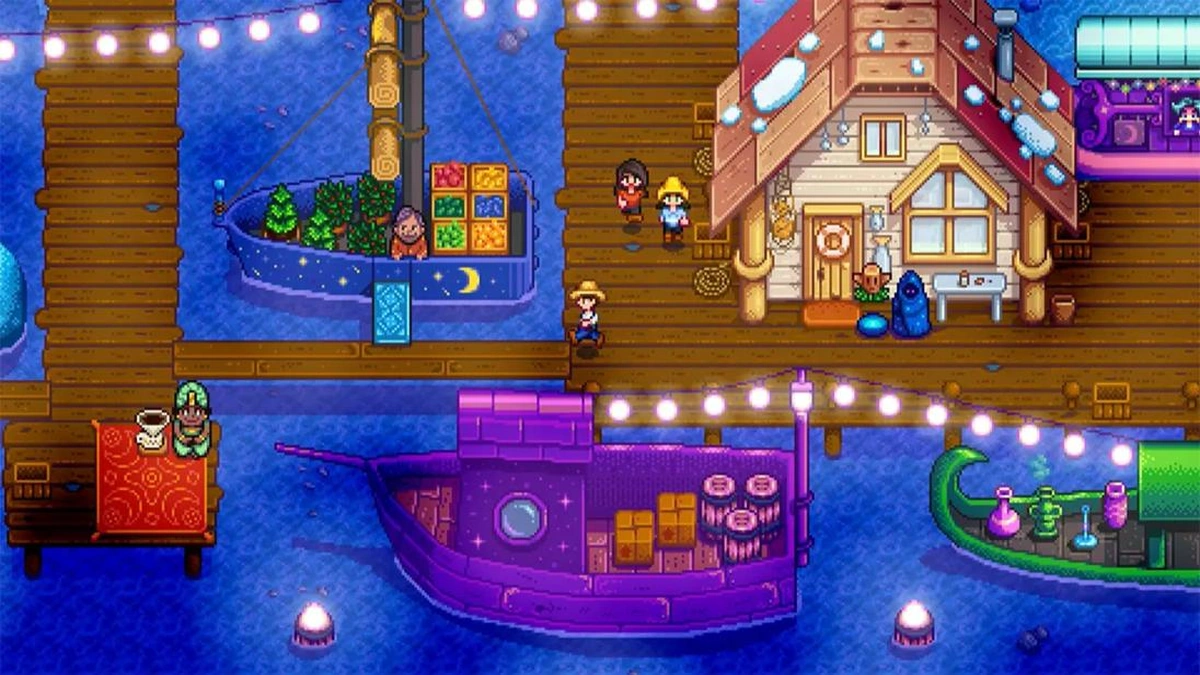
Ever feel like your Stardew Valley farm is missing…something? Like that cozy, pixelated world could be even more you? Well, you’re not alone. What fascinates me is how this seemingly simple farming sim has spawned such a vibrant modding community. It’s not just about tweaks; it’s about transforming the entire experience.
Why Mods Matter: More Than Just Cheating
Let’s be honest – the word “mod” sometimes conjures up images of game-breaking cheats. But in Stardew Valley , mods are so much more than that. They’re about personalization, accessibility, and breathing new life into a game you already love. Think of them as enhancing your gameplay. One of the most common mods is the Stardew Valley Expanded Mod , which adds a ton of new features to the game.
But why is this important? It’s about player agency. Eric Barone (ConcernedApe), the creator of Stardew Valley, built a fantastic foundation. The modding community builds upon that, adding content and features that weren’t possible before. You may ask, What’s the catch? It’s free!
From Visual Tweaks to Total Overhauls: Finding Your Perfect Mod
The beauty of Stardew Valley mods is the sheer variety. Want to change the appearance of your farm buildings? There’s a mod for that. Dreaming of marrying someone new? Yep, there are mods for that too. Want a better combat system for more challenging adventures? You guessed it, mods have got your back.
A common mistake I see people make is diving headfirst into a dozen mods at once. Trust me, start small. Maybe a visual overhaul first. Then, consider quality-of-life improvements like Automate < /a> , which streamlines tasks like crafting and processing goods. But the possibilities are limitless. Think of it, if you can imagine it, you can mod it.
Installing Mods Like a Pro: A Step-by-Step Guide
Okay, let’s get practical. Installing Stardew Valley mods might seem daunting, but it’s surprisingly straightforward, especially with the right tools. Here’s how:
- Install SMAPI: SMAPI (Stardew Modding API) is the foundation for most mods. Download it from its official site and follow the installation instructions. It’s usually a simple matter of running an installer.
- Find Your Mods: Nexus Mods is the go-to source for Stardew Valley mods < /a>. Browse the categories and find mods that pique your interest.
- Download and Extract: Download the mod files (usually in .zip or .rar format). Extract the contents to a folder.
- Move to the Mods Folder: Copy the extracted folder into your Stardew Valley “Mods” folder. This folder is located in your game’s installation directory.
- Run the Game via SMAPI: Launch the game using the SMAPI executable. This ensures that the mods are loaded correctly.
The one thing you absolutely must double-check is that your mods are compatible with your game version. Conflicting mods can cause crashes or other issues, so pay attention to the mod descriptions and any dependencies listed.
Also, it is very important to note that you must back up your game files, just in case.
Avoiding the Pitfalls: Common Modding Mistakes
Modding isn’t always smooth sailing. Here are some common issues and how to avoid them:
- Incompatible Mods: Always check mod compatibility before installing. Read the comments section on Nexus Mods; often, other users will report any conflicts.
- Outdated Mods: Keep your mods up-to-date. Many mods are updated to work with newer versions of Stardew Valley.
- Incorrect Installation: Double-check that you’ve placed the mod files in the correct “Mods” folder.
- Missing Dependencies: Some mods require other mods to function. Make sure you’ve installed all necessary dependencies.
I initially thought this was straightforward, but then I realized some mods have very specific installation instructions. Always read the mod’s description carefully.
Don’t try to start with a mod manager until you are proficient with manual installations.
While sources suggest that you can use Vortex, the official manager of Nexus Mods, it is best to read the instructions before attempting, and only after you know how to install manually.
Here’s why this year’s modding scene is different and what it signals about the game itself. This shows that Eric Barone (ConcernedApe) has no plans to introduce new versions of the game.
You can also use a Stardew Valley Mod Daily Gift to get things you need in the game.
But, most importantly, have fun!
FAQ: Your Stardew Valley Mod Questions Answered
What if I’m afraid of breaking my game?
Back up your save files! They’re usually located in your AppData\Roaming\StardewValley\Saves folder. That way, you can always revert to a clean state if something goes wrong.
Can I use mods in multiplayer?
Yes, but all players need to have the same mods installed. This ensures compatibility and prevents synchronization issues. Also, it is best to use a dedicated server.
Are mods available on all platforms (PC, Switch, mobile)?
Mods are primarily for the PC version of Stardew Valley. Modding on consoles like the Switch is generally not possible without hacking or jailbreaking, which is not recommended. Modding for mobile is not possible at this time.
What are some essential Stardew Valley mods for beginners?
I recommend starting with quality-of-life mods like UI Info Suite (provides helpful in-game information), Lookup Anything (lets you get detailed information about objects and NPCs), and a simple aesthetic mod to change the look of your farm.
Where can I find reliable Stardew Valley mod resources?
Nexus Mods is the best source. The Stardew Valley Wiki is also a great resource for information about the game and modding.



Leave feedback about this